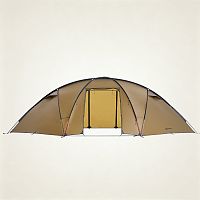
Barracuda Series

Roost Series
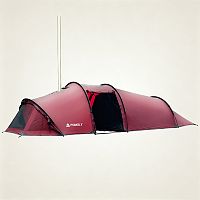
Openvista Series

Sphere X Series
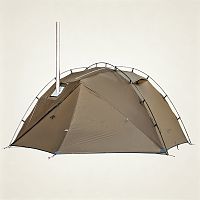
Dune Series

Circle Tent Series

Locomotive Series

LEO Series
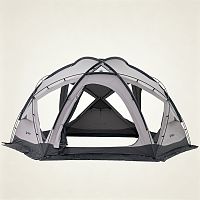
Dome X Series

Bromance Series

PEAK Series

CHALET Series

STOVEHUT Series

HEX Series

YARN Series

MANTA Series

HUSSAR Series

Druid Series
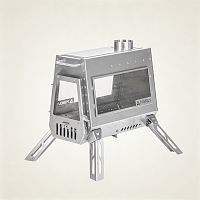
Dagger Series
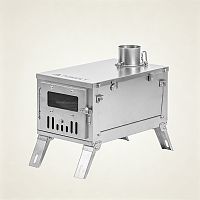
GT Series

T1 3.0 Series

Reactor Series

Hive Series

Cube Series

X-Ti Series

Fold X Series

Baker Series
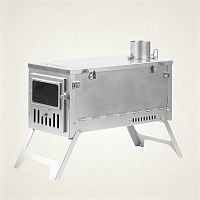
T1 2.0 Series
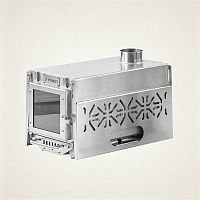
Oroqen 2.0 Series
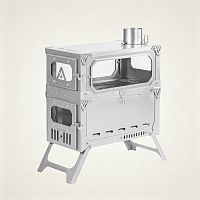
T-Brick 2.0 Series

Lumberjack Series
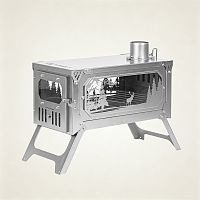
T-Brick Series
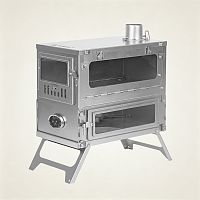
T1 1.0 Series

Dweller Ti Series

Dweller Series
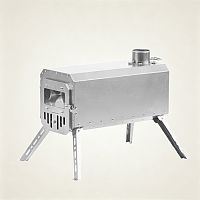
TRAVELLER Series

TIMBER Series


Barracuda Series
Roost Series
Openvista Series
Sphere X Series
Dune Series
Circle Tent Series
Locomotive Series
LEO Series
Dome X Series
Bromance Series
PEAK Series
CHALET Series
STOVEHUT Series
HEX Series
YARN Series
MANTA Series
HUSSAR Series
Druid Series
Dagger Series
GT Series
T1 3.0 Series
Reactor Series
Hive Series
Cube Series
X-Ti Series
Fold X Series
Baker Series
T1 2.0 Series
Oroqen 2.0 Series
T-Brick 2.0 Series
Lumberjack Series
T-Brick Series
T1 1.0 Series
Dweller Ti Series
Dweller Series
TRAVELLER Series
TIMBER Series
Cart
Payment Policy
Q: What payment methods do you accept?
A: We accept PayPal and major credit cards, including Visa and MasterCard. We also support bank transfers, Alipay, and WeChat Pay. If you need assistance with payment options, please contact our support team.
Q: Are payments on your website secure?
A: Yes. We use secure payment processing to protect your personal and payment information. We also offer a 30-day refund policy for eligible orders.
Q: What should I do if my payment fails?
A: If your payment is unsuccessful, please contact our support team. We’ll help resolve the issue and assist you with any refund or payment-related concerns.
Q: Will I be charged a foreign transaction fee?
A: Depending on your bank or card issuer, international transaction fees may apply. These fees are determined by your financial institution and are not charged by POMOLY.
For more information, please contact your bank or credit card provider directly.
Important Order Notice
Please make sure your email address is valid and accessible so we can contact you if there are any issues with your order.
If we need confirmation regarding order changes or other important issues and do not receive a response within 3 weeks, the order may be shipped based on the original information provided at checkout.
Common Reasons for Credit Card Payment Failure
One of the most common reasons for a failed credit card payment is unsuccessful 3D Secure verification.
3D Secure is an additional security step required by some banks to confirm the cardholder’s identity during checkout. If the verification fails, the payment may be declined by your bank.
For more information and possible solutions, please read the following article:
Payment Issues
If your credit card payment fails, the issue may be related to your bank’s security settings or payment verification process. Please don’t worry — our payment system is secure.
You can try the following methods to complete your purchase:
1. Try a different credit card.
2. Pay using your PayPal account.
3. Check whether the product is available on Amazon and complete your purchase there if preferred.
4. Pay by credit card through PayPal guest checkout. In many cases, you do not need a PayPal account to use this option. Please follow the guide below for instructions.
How to Pay by Credit Card Through PayPal
1. Add the products you want to your cart.
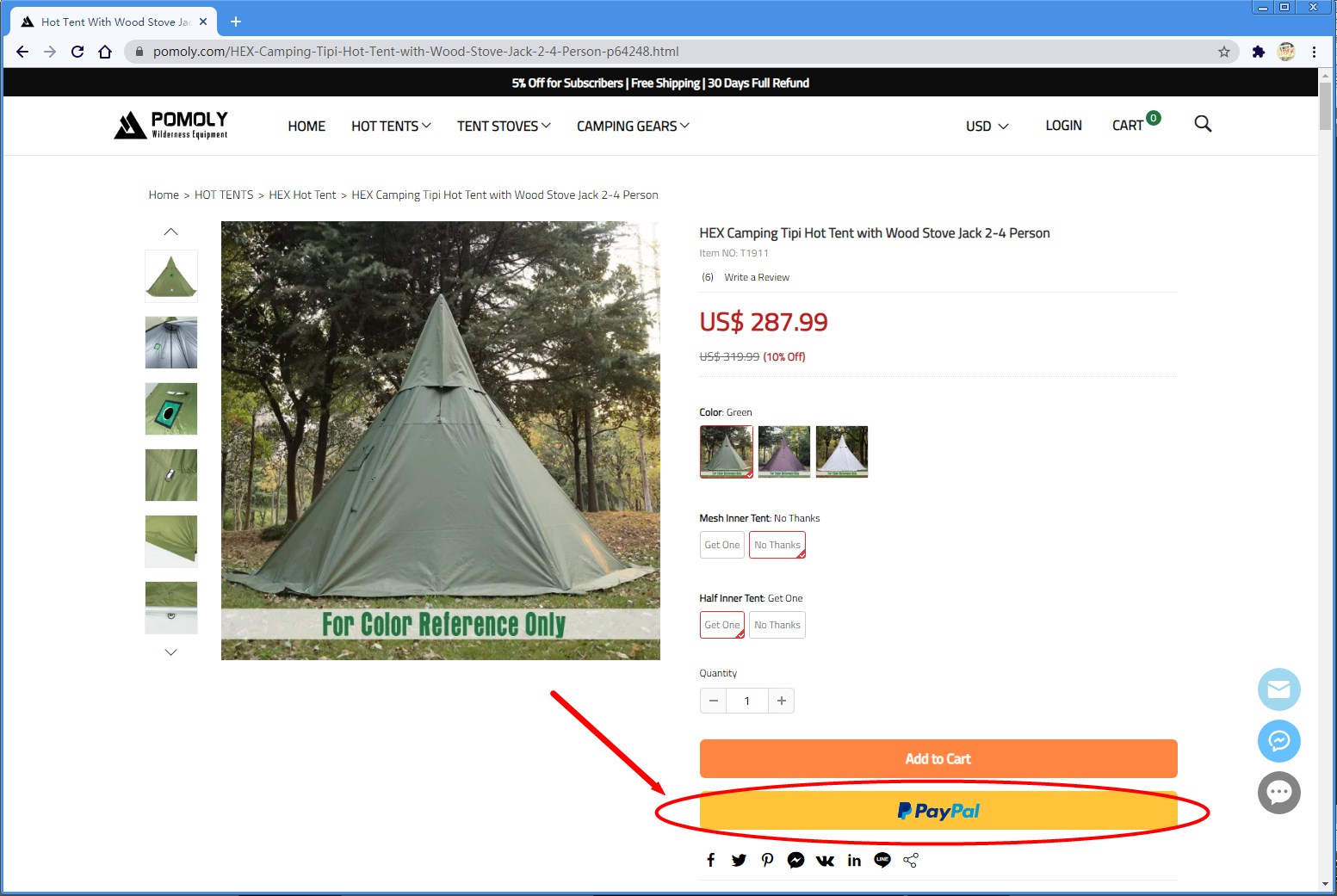
2.Select Pay with Credit Card at checkout.
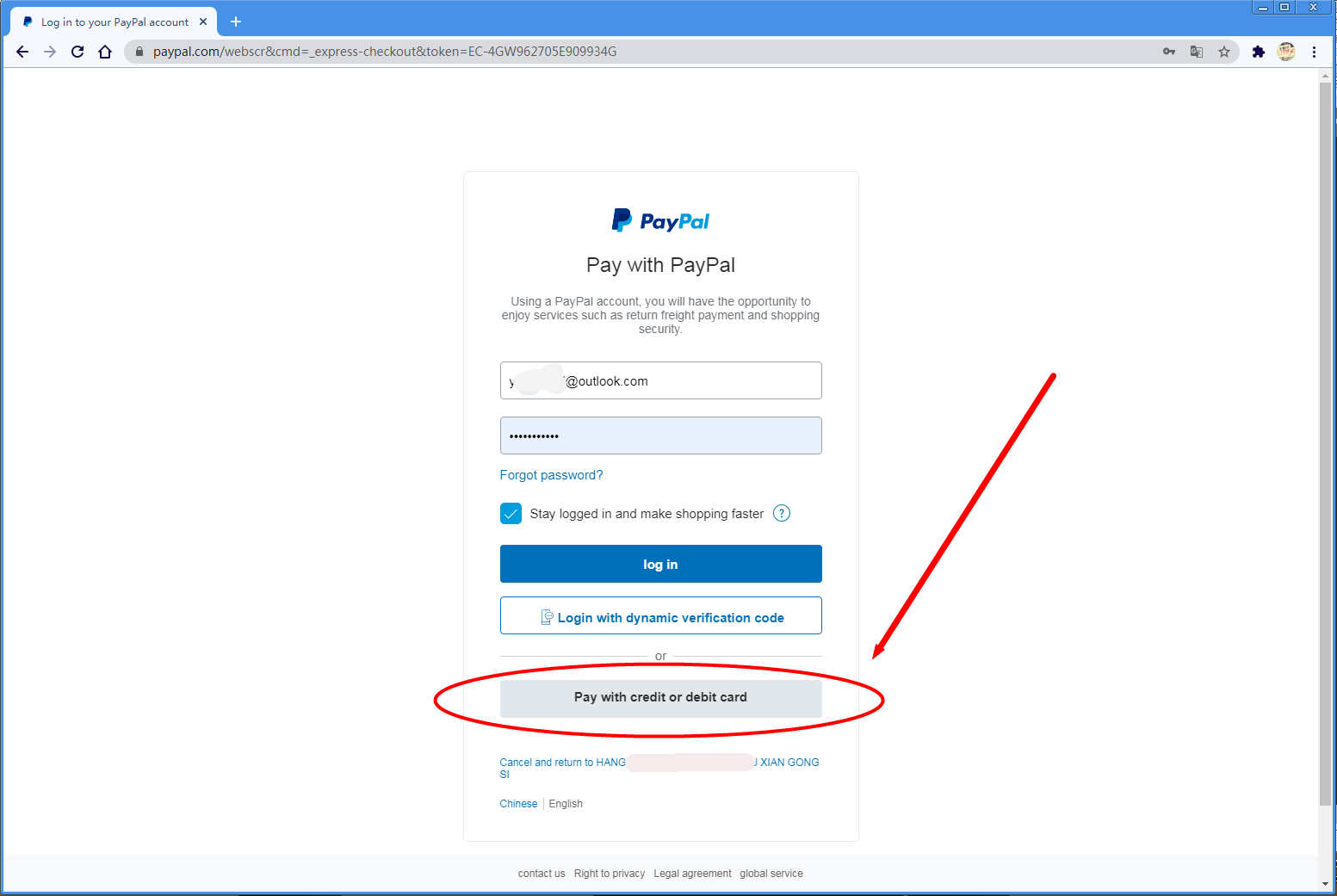
3.Choose your country or region.
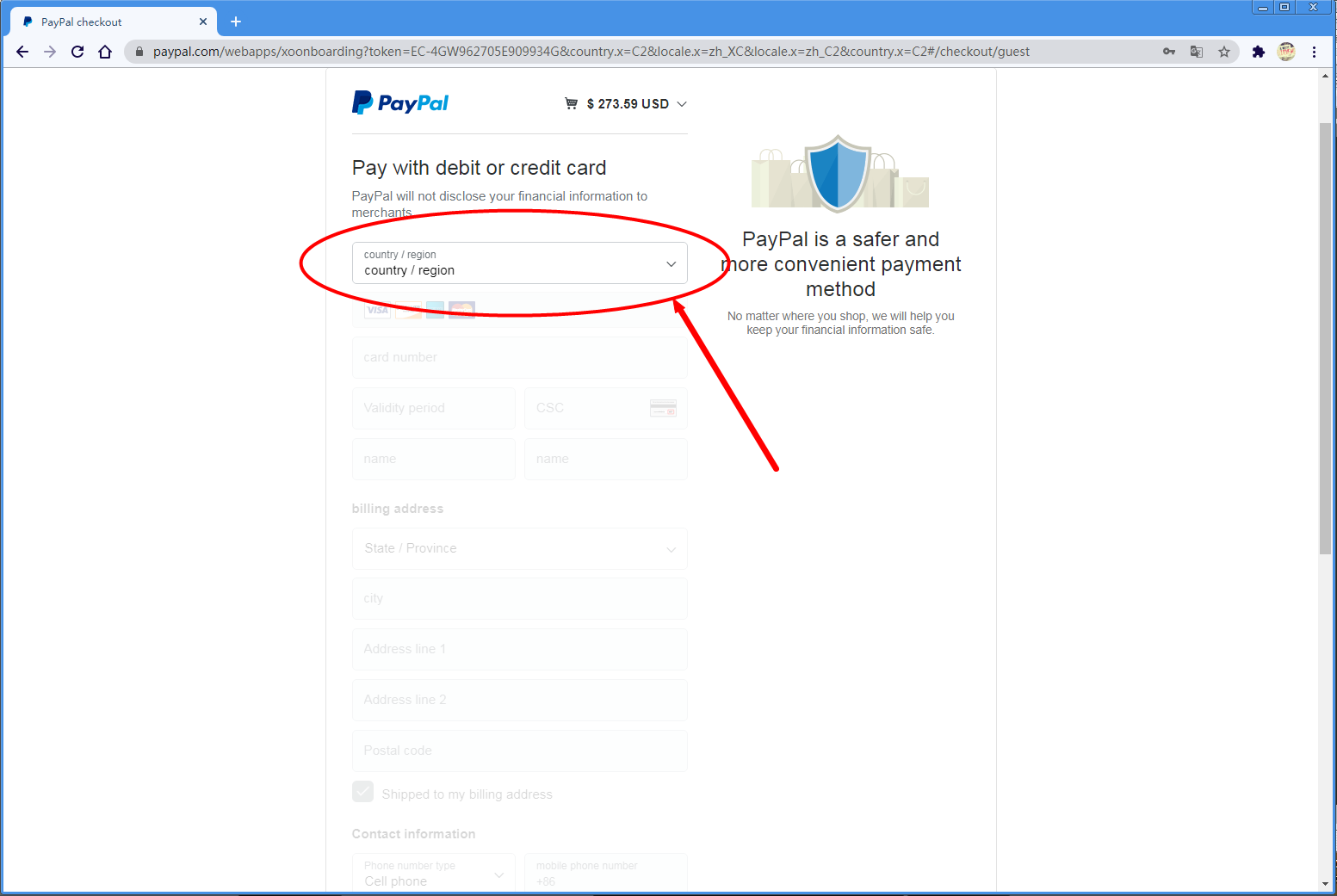
4.Enter your credit card information and billing address.
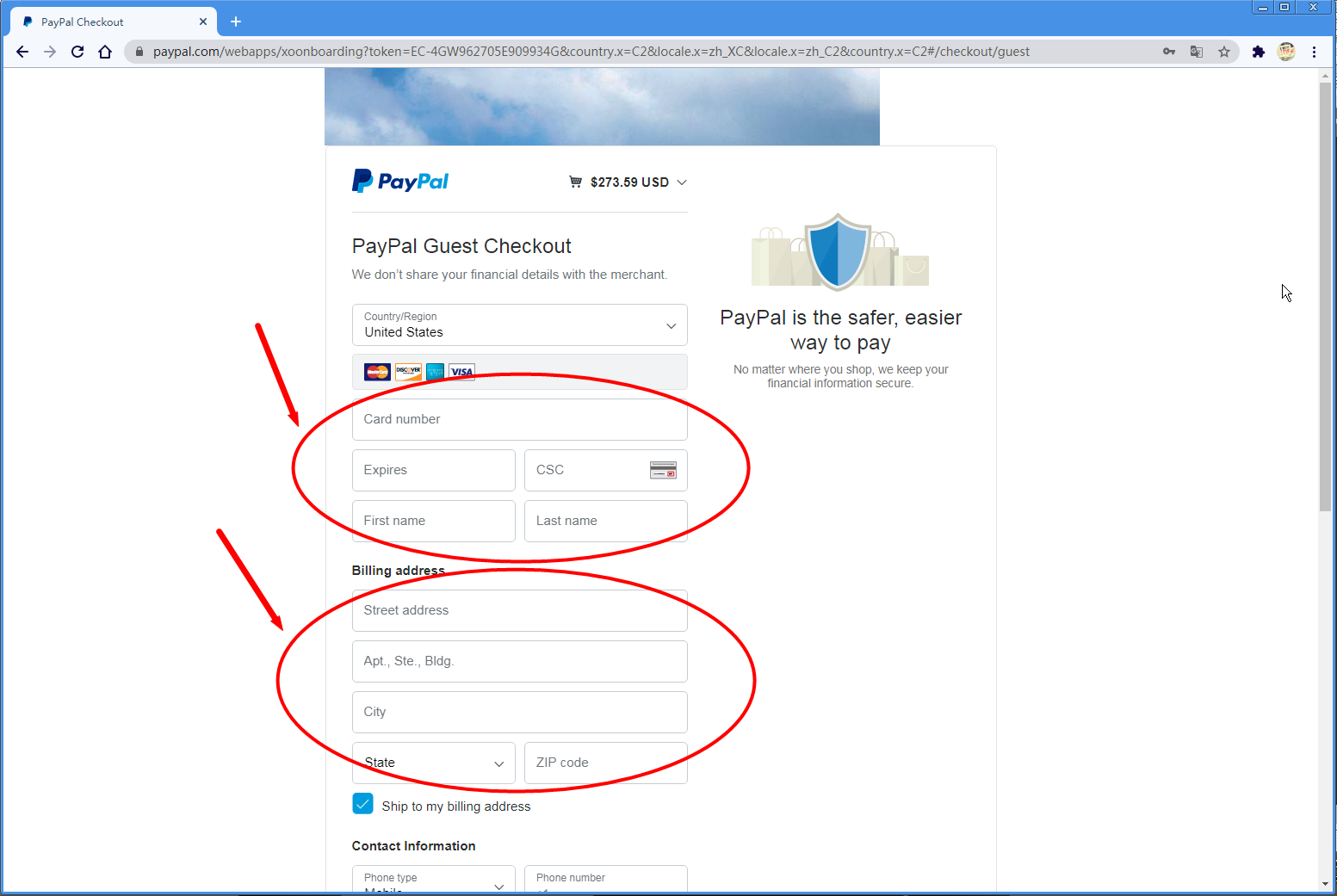
5.Enter your contact information.
6.If you do not want to create a PayPal account, simply uncheck the PayPal account option if available.
7.Click Continue to complete your payment.
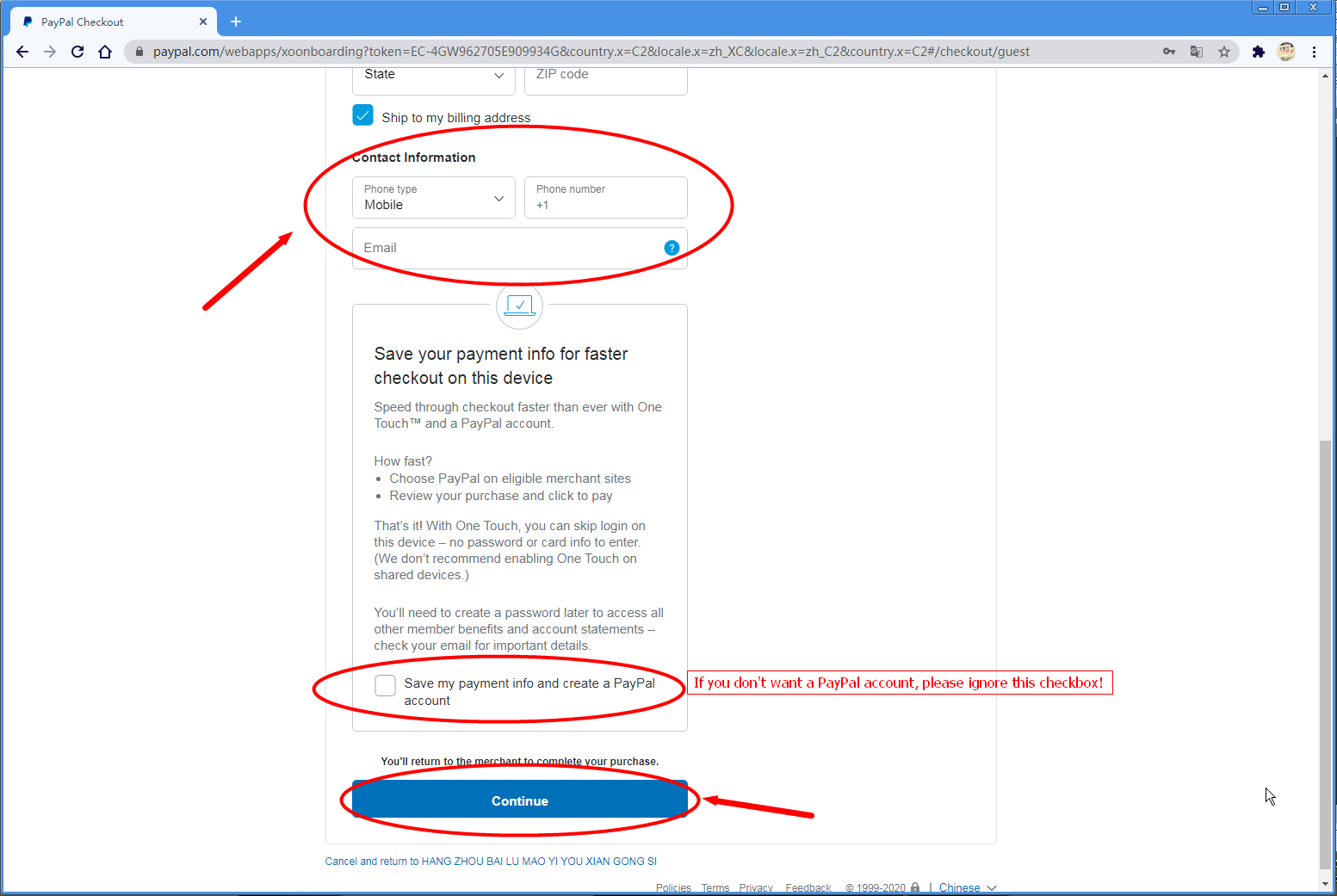
8.Your order will be placed successfully once the payment is approved.
How to pay through Credit card?
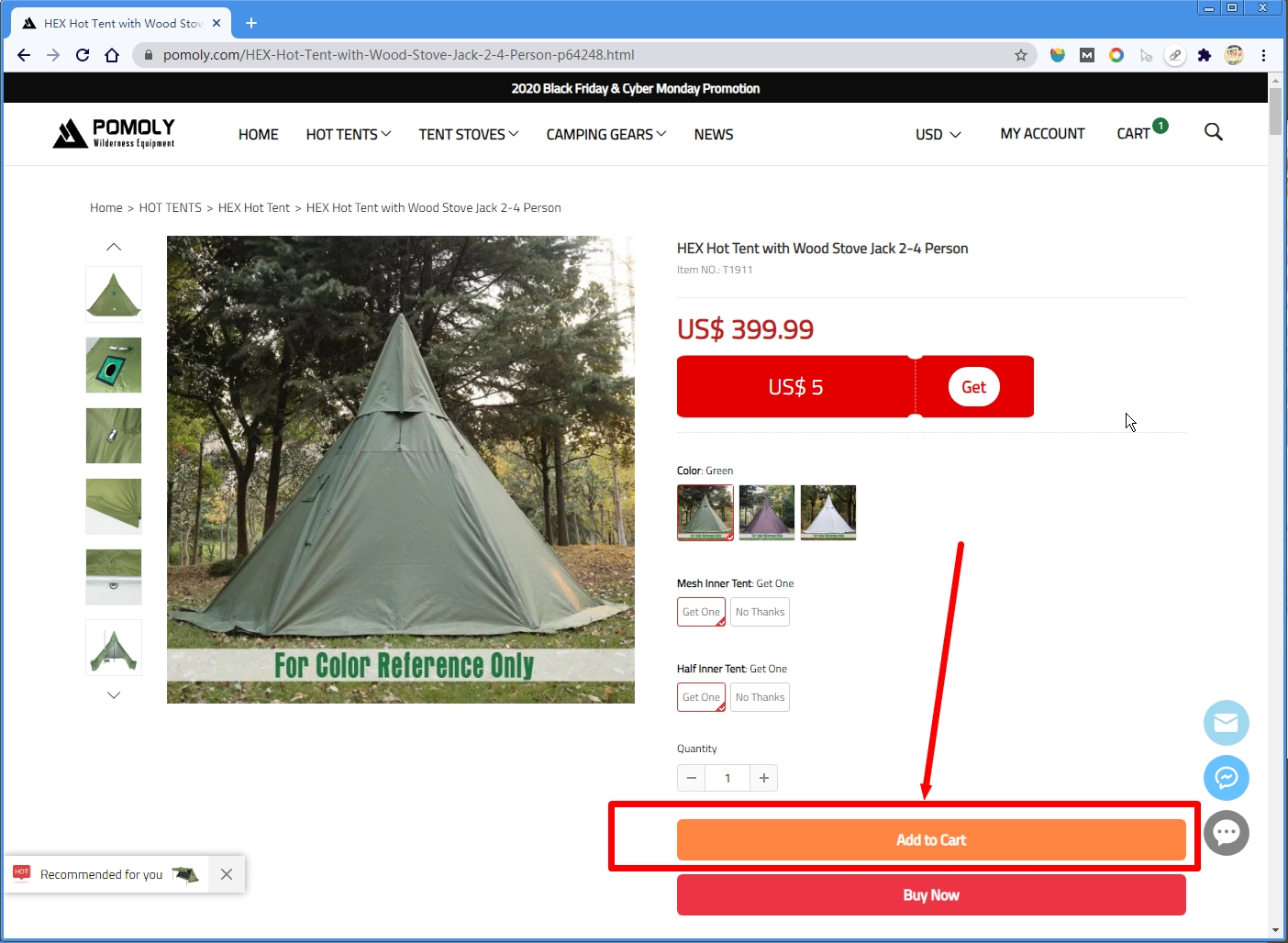
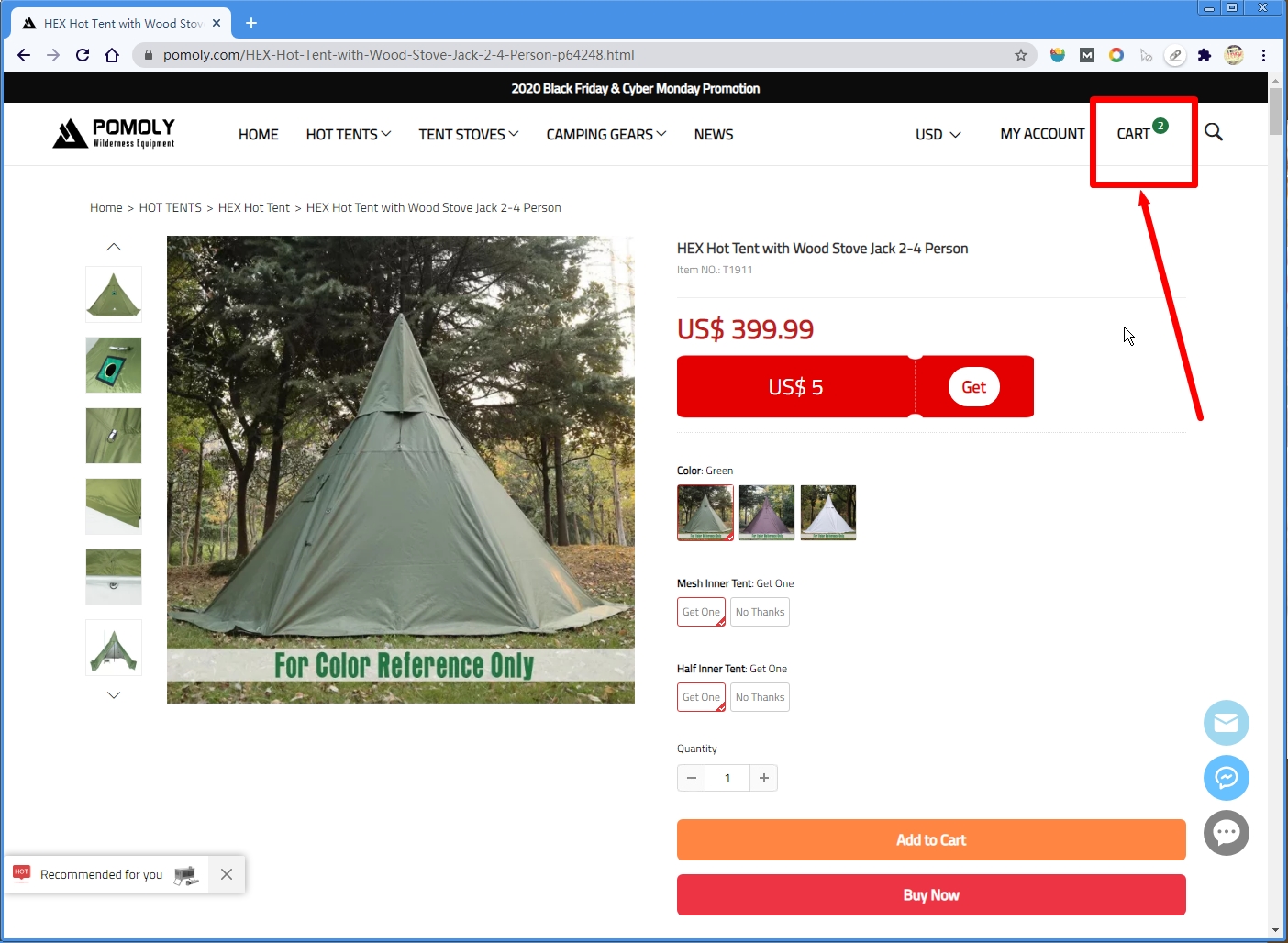
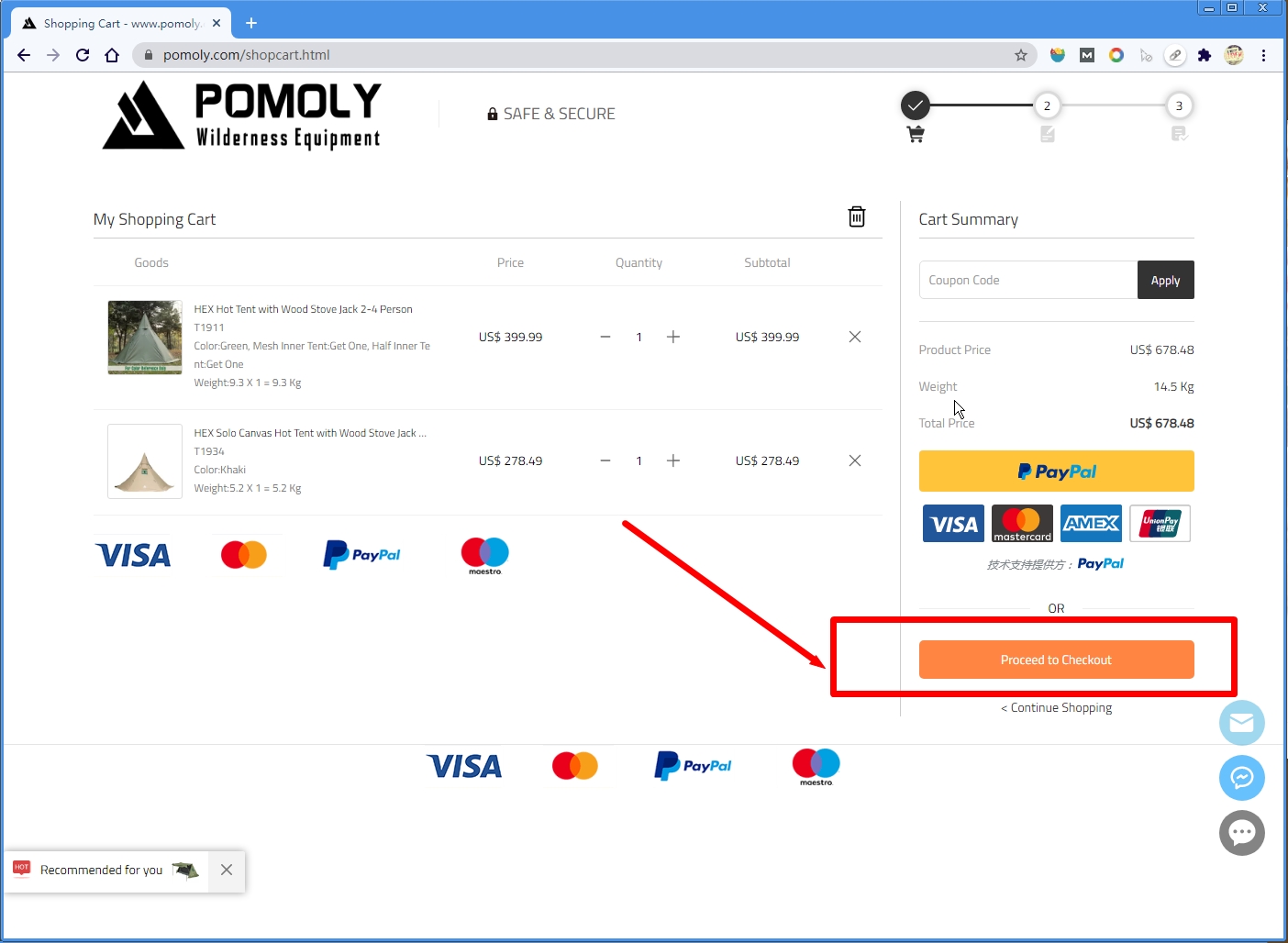
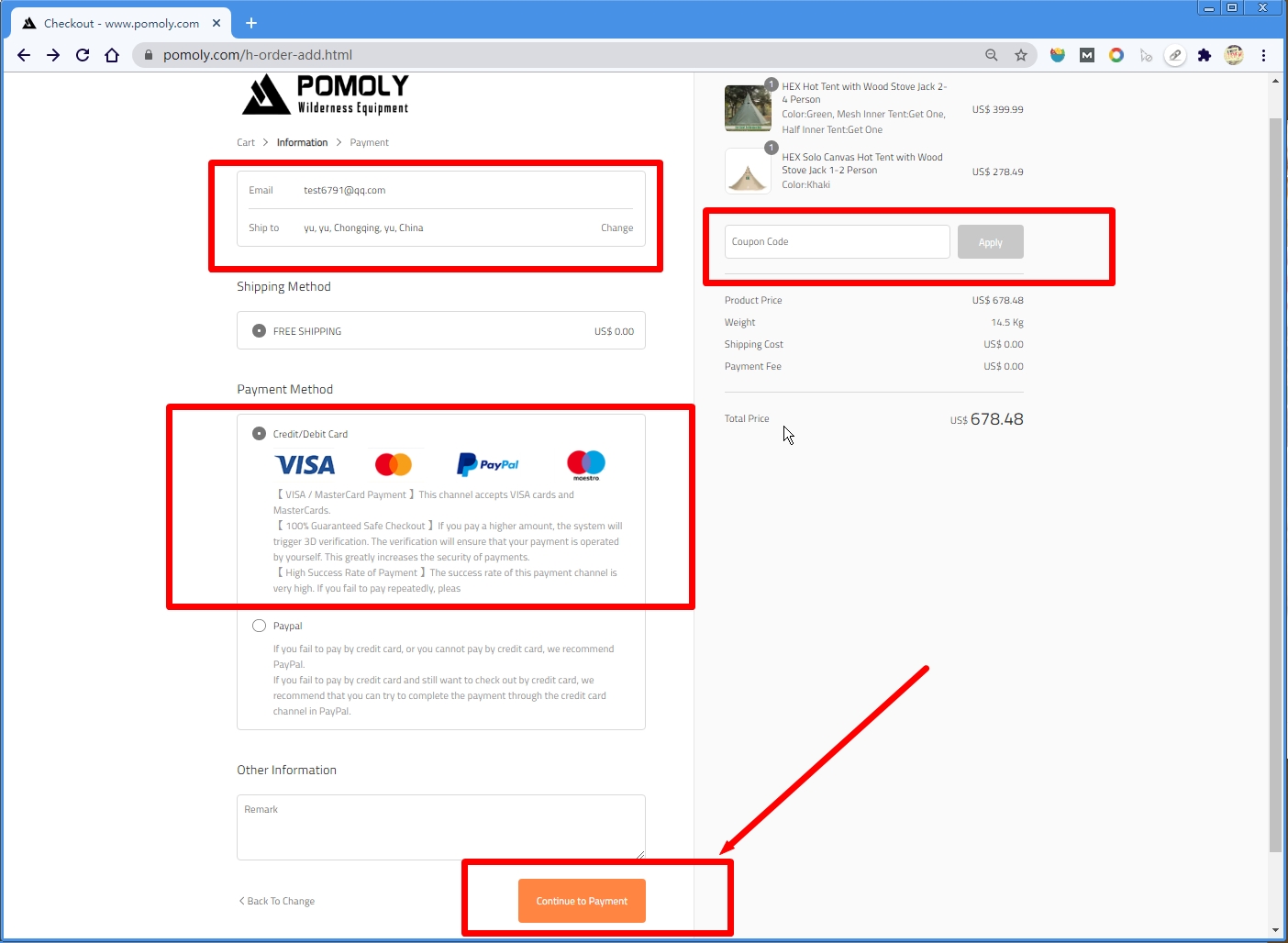
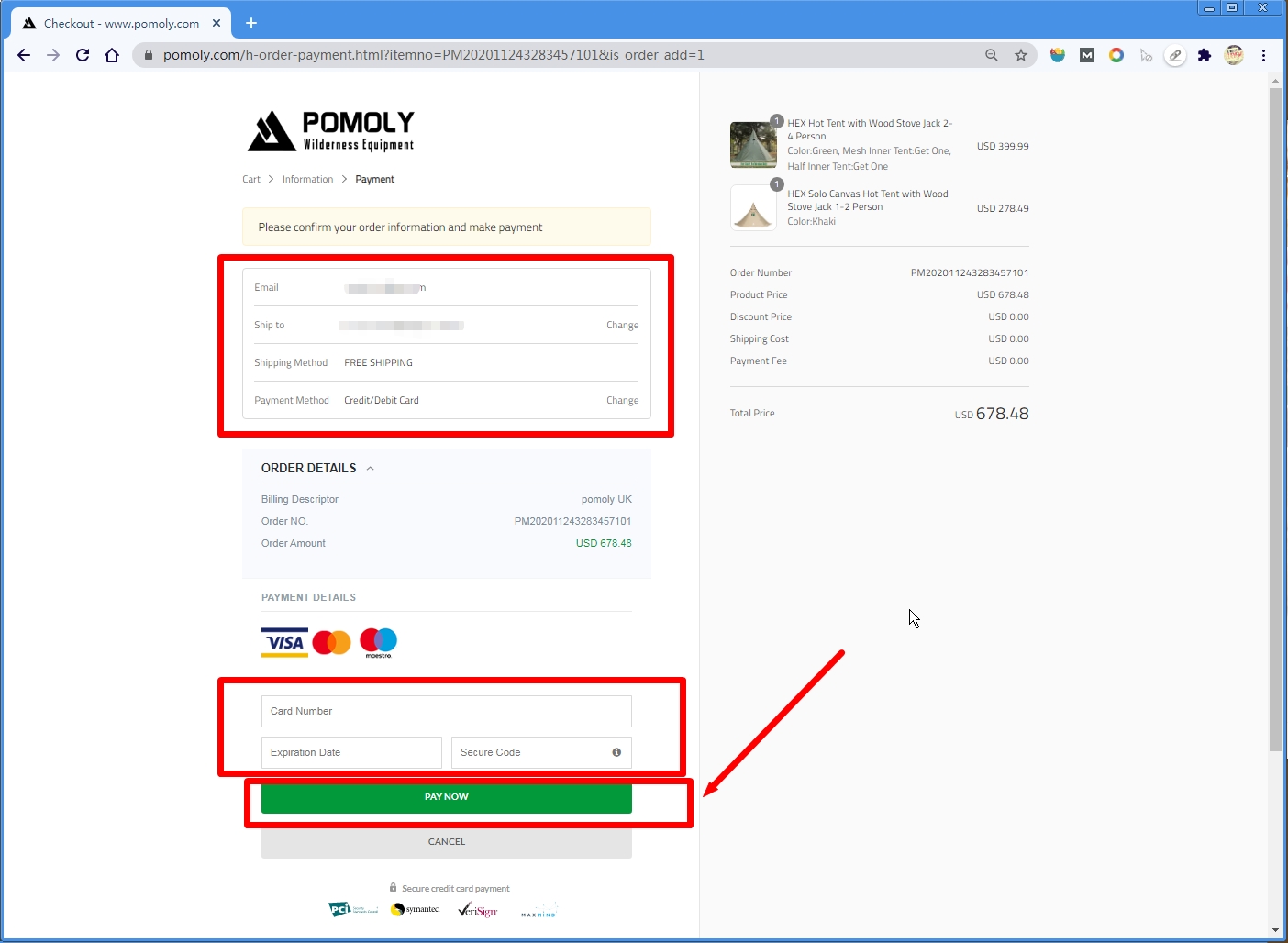
Note: The checkout process may vary slightly depending on your country or region, but the overall payment steps are generally similar.
- Contact Us
-

Forge Your Outdoor Home!
At POMOLY,
we believe home is more than a place; it is a feeling you can create anywhere in the wild.
From shelter and fire to outdoor living, our gear helps you forge a basecamp, stay awhile, and make the wild feel like home.
- Company Info
- POMOLY Story
- About us
- Contact Form
- Leave-No-Trace
- Facebook Group
- YouTube Videos
- Contact Info
- Topic Collections
- Policies & Terms
- Payment Policy
- Shipping Policy
- Return & Refund
- Privacy Policy
- Terms of Use
- Duty Policy
- Product Safety Notice
- Warranty Guidelines
- INTELLECTUAL PROPERTY RIGHTS
- User Center
- Forget Password
- My Orders
- Tracking Order
- My Account
- Register
- Popular Searches
-
Tipi Tents Dome Tents Camping Tent Hammock Stove Camping Camping Pellet Stove Circle 6 Titanium Water TankDome X Locomotive 20 LEO 2 camping tent T-Brick 2.0 T1 2.0 tent stove Dweller wood stove Oroqen 2.0 Chimney Water Tank Lumberjack STOVEHUT Bromance 70 Tipi Pomoly Coupon Baker Oven Stove Titanium elbow Fire Pits Tent Stove titanium Stove
Copyright © 2026 Pomoly All rights reserved. Sitemap
FREE SHIPPING | FULL REFUND | SAFE PAYMENT | EMAIL SUPPORT